A 3D train driving simulator in your browser
Train Player Web3D
Free and no install. Lay a line on real terrain and maps, then drive it right away.
Play nowRuns in desktop browsers (Chrome / Edge / Firefox)
Features
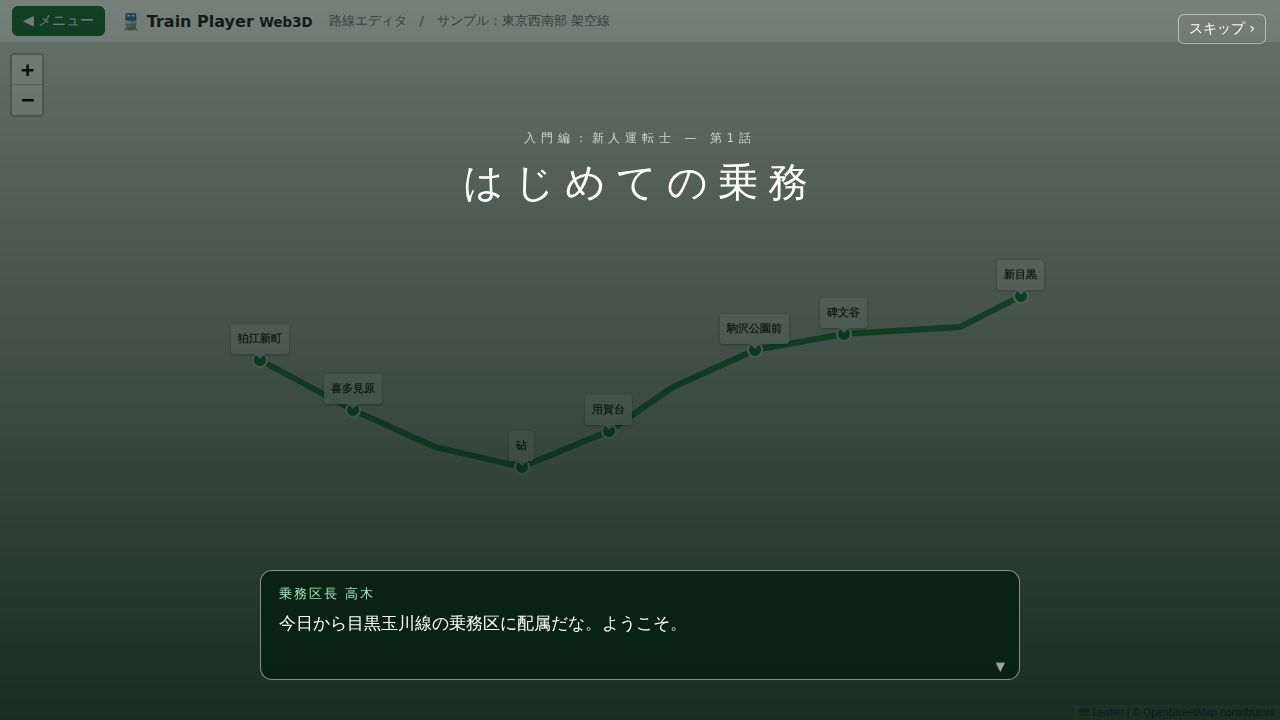
Story mode
A 7-episode introduction as a rookie driver. Obey signals, speed limits and the timetable to run on time.
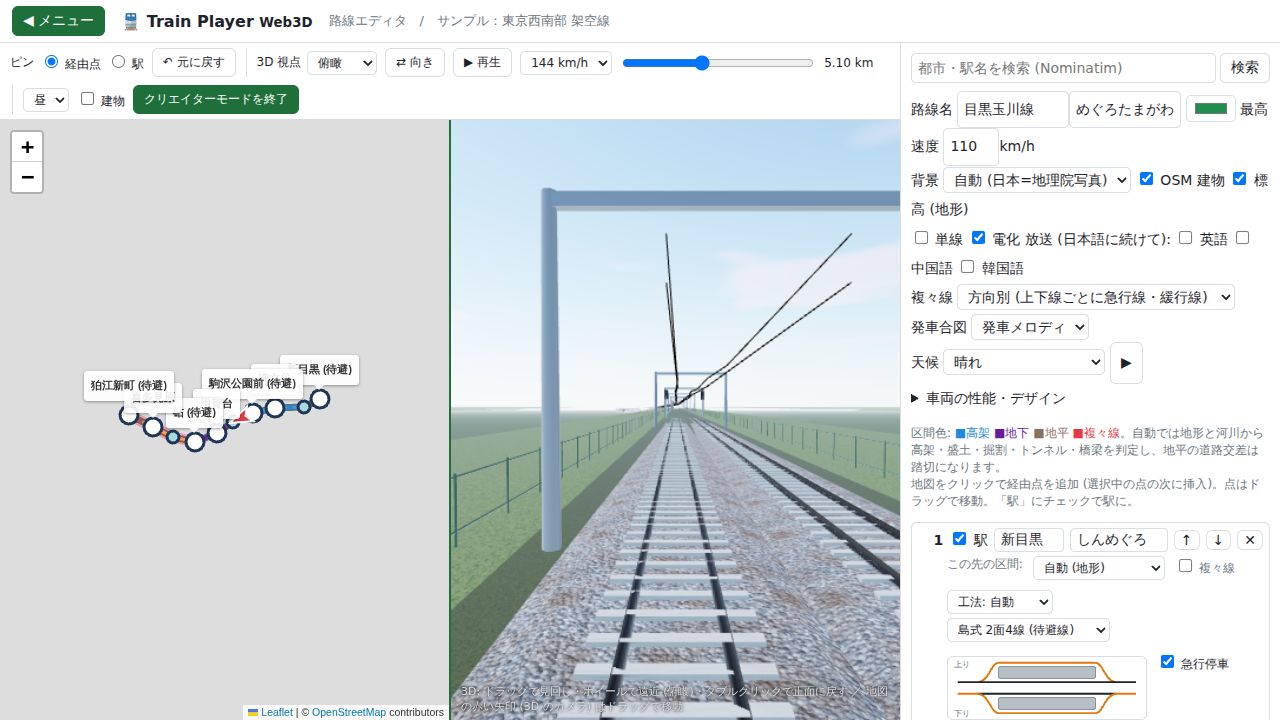
Creator mode
A split view of the 3D trackside and the map while you place pins to build a line. Viaducts, tunnels and bridges are detected from elevation and rivers. Supports single-track stations with multiple platforms.
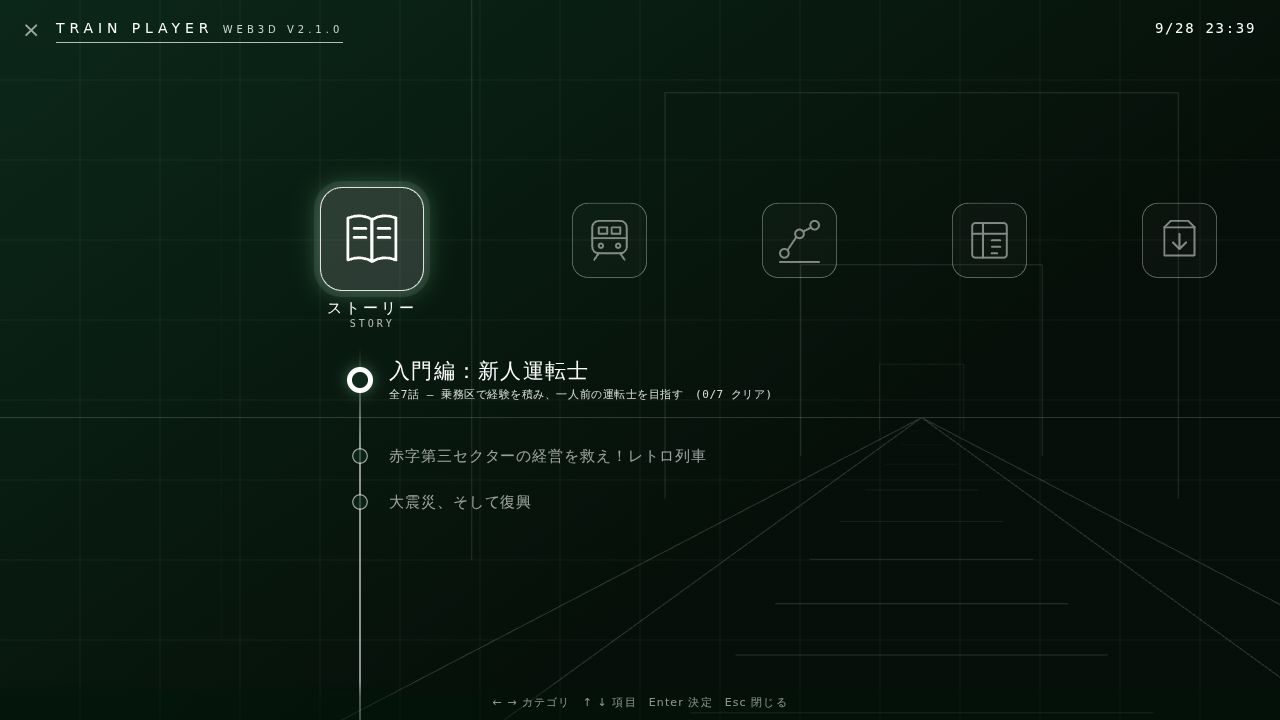
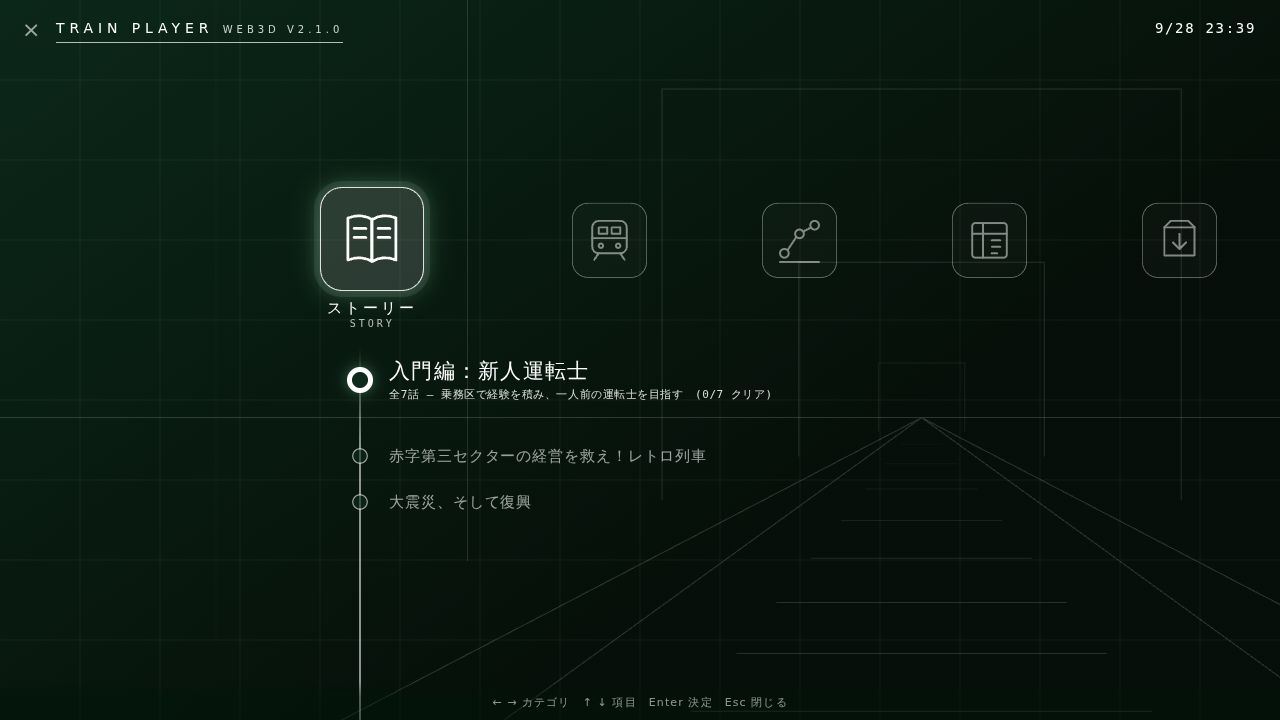
Friendly controls and menu
A menu you can drive with the keyboard alone. Weather, time of day, quad tracks and announcements (JA/EN/ZH/KO) are all configurable.
- Free run, a retro train and scenarios about disaster and recovery
- Departure melodies, announcements and a boarding-prompt button
- A lightweight mode tuned for streaming and recording while you play
- Japanese / English / 中文 / 한국어
System requirements
Note: these are rough guides. We have not measured on a wide range of real hardware; results vary.
| Minimum | Recommended | |
|---|---|---|
| Browser | Latest Chrome / Edge / Firefox / Safari (WebGL 2) | Latest Chrome or Edge with hardware acceleration on |
| CPU | Dual core, about 2.0 GHz | Quad core, 3.0 GHz or better |
| Memory | 4 GB | 8 GB or more |
| GPU | Integrated (around Intel UHD 620) | GeForce GTX 1650 / Radeon RX 570 or better |
| Display | 1280×720 | 1920×1080 or higher |
| Network | Internet needed on first load and for map / elevation data | Stable broadband |
| Quality setting | Lowest to Low (lightweight mode) | High to Highest |
If it runs slowly, lower the quality in Settings. When streaming or recording at the same time, use Low or below. Phones are not supported (PC recommended).
FAQ
Is it free?
Yes, it is free to play.
Do I need to install anything?
No. Just open it in your browser.
What kind of lines can I build?
Place pins on the map to build single, double or quad track lines on real terrain.